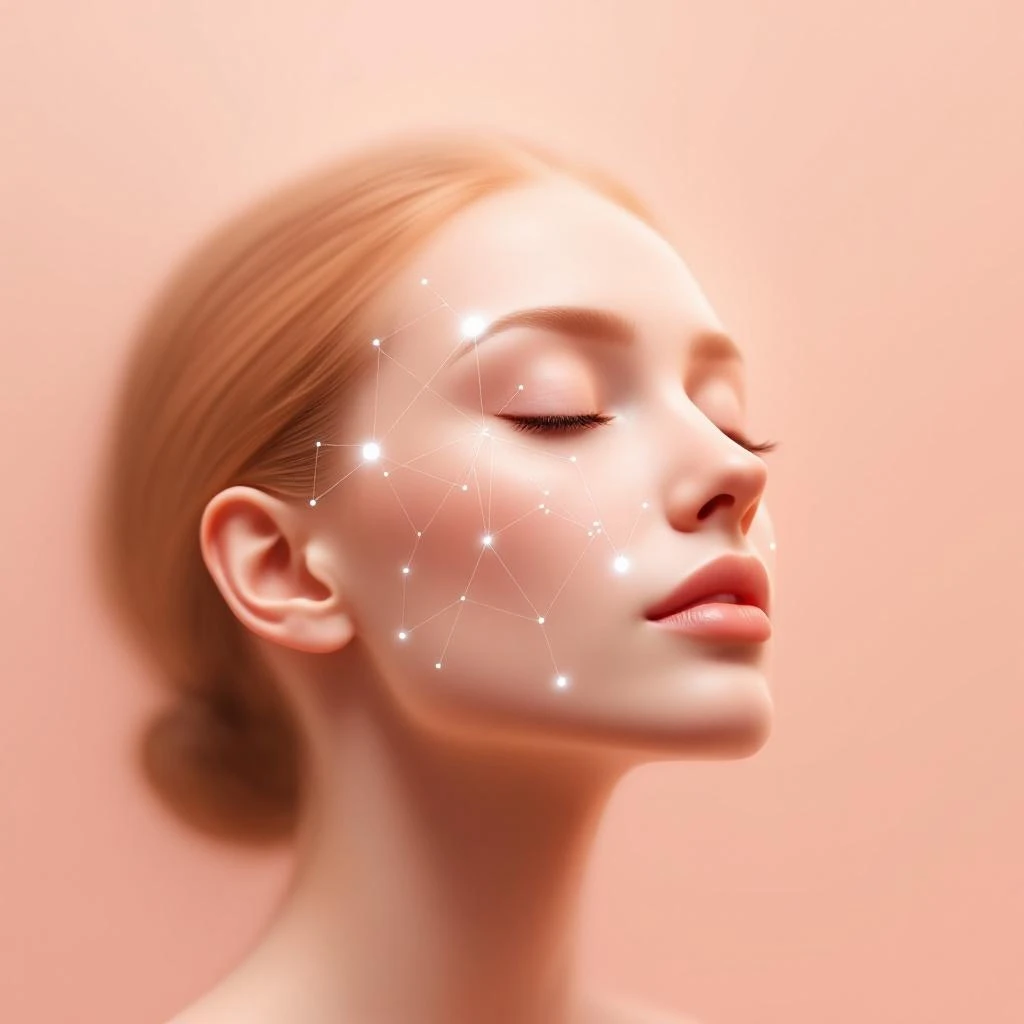
What is AI skin analysis, really?
AI skin analysis is a computer-vision system that looks at a photo of your face and estimates visible features of your skin — hydration cues, oil distribution, blemish patterns, redness, texture and tone.
It is not a diagnostic device. It can't see what's happening under your skin, it can't run blood work, and it can't tell you whether a mole is cancerous. A good AI app is upfront about this and frames itself as a coach, not a clinician.
What it can do is much more useful than people give it credit for: it can give you a consistent, repeatable read on the visible state of your skin so you can track changes over time without relying on memory or a foggy bathroom mirror.
What happens between snapping the selfie and seeing your report
Behind the scenes, a modern AI skincare app runs your photo through a few stages. None of them are magic — they're all standard computer-vision techniques you'd find in any modern image-processing pipeline.
1. Face detection and alignment
First, the model finds your face in the image and identifies landmarks like the corners of your eyes, the bridge of your nose, the edges of your lips. This step makes sure the analysis is consistent across photos: every selfie gets normalized to a roughly comparable frame so today's report can be compared to last week's.
2. Region segmentation
Next, the app divides your face into regions — forehead, cheeks, nose, chin, around the eyes. Skin doesn't behave the same way across the face: oilier zones and drier zones often coexist, and the report only becomes useful when it can talk about them separately.
3. Feature extraction
Then the model looks at each region and estimates visible features. This is where the per-app differences are biggest. A serious app will estimate things like local oil reflection, surface texture variance, micro-blemish density, redness, dark-spot contrast and pore visibility. A weak app slaps a generic filter on top of you and calls it a day.
4. Routine generation
Finally, the app turns those numbers into something you can act on. The best ones synthesize a routine that addresses your top two or three concerns instead of dumping fifteen products on you. Skincare doesn't work as a buffet — it works as a small set of consistent steps.
What AI can see (and what it can't)
Here's the honest version, with no marketing gloss.
Things AI can see reasonably well from a selfie
- Surface oil distribution. Reflected highlights in your T-zone are a fairly reliable signal.
- Visible blemishes and their patterns. Whether your breakouts cluster on the chin (often hormonal) or scatter across the cheeks (often friction- or product-related) is information you can act on.
- Apparent hydration cues. Skin that's dehydrated tends to show finer surface texture and dullness; the model can pick that up.
- Tone unevenness and dark spots. Post-inflammatory marks and sun spots are visible on the surface.
- Redness and surface irritation. Color analysis catches diffuse redness around the nose and cheeks.
Things AI cannot do
- Diagnose any medical condition. Acne, rosacea, eczema and dermatitis look similar to each other on camera but require a real exam.
- Predict reactions to specific products. It can suggest ingredient categories that are reasonable for your skin, but skin is highly individual.
- See deep skin layers. Anything described as "dermal" on the marketing page from a single selfie is wishful thinking.
Use AI skin analysis the way you'd use a smart bathroom scale: it gives you a consistent number to track. It doesn't replace a doctor — it replaces the "does this look better than last week or am I imagining it?" conversation you have with yourself every morning.
How to get an analysis you can actually trust
The biggest source of error in AI skin analysis isn't the model — it's the photo. Five seconds of effort here will dramatically improve your reports.
- Use natural daylight when possible. Stand near a window, no direct sun. Indoor warm bulbs distort color and over-estimate redness.
- Skip filters and beauty modes. If your phone has built-in skin smoothing, turn it off in the camera settings before snapping.
- Remove makeup, sunscreen and oils first. Even tinted moisturizer can throw off oil and tone readings.
- Hold the camera at eye level, about an arm's length away. Too close exaggerates pores; too far loses detail.
- Take a fresh photo each time. Don't reuse old shots — the whole point is to track change.
- Re-test at a consistent time of day. Skin oil and hydration fluctuate; morning vs. evening will give different numbers.
Run the analysis every 1–2 weeks, not every day. Skin changes slowly, and daily re-tests will just measure noise.
Is it private? What happens to your selfie?
This is the question nobody answers loudly enough on the marketing page, so it's worth asking directly.
With a trustworthy app, your selfies are processed to generate the analysis and are not sold or shared for advertising. You should be able to delete the photo from your history at any time, and the privacy policy should explicitly state how long images are retained.
For Beeuty specifically, photos are processed for your analysis and are governed by our Privacy Policy — we don't sell them, we don't share them for advertising, and you control what stays on your account.
If an app's privacy policy is vague, copy a sample sentence into a search engine — vague policies tend to be templates used across many apps and are a red flag.
Where AI skincare is heading
The next generation of these tools won't just describe your skin — it will close the loop. Most apps today give you a static routine. The interesting ones are starting to learn from your re-tests: if your hydration scores aren't moving after four weeks, the model should notice and adjust your routine instead of waiting for you to.
That's the actual reason to use one of these apps consistently. A single snapshot is a curiosity. A series of snapshots, properly compared, becomes a feedback loop — and that's how real skincare progress is made.
Ready to try it for yourself? Beeuty runs the full analysis in under ten seconds, gives you a private report with no signup needed to start, and is free on the App Store. If you'd rather understand your skin first, our guide to identifying your skin type is a good next read.
Try Beeuty's AI skin analysis
Snap one selfie, get a private report with hydration, oil balance and visible concerns mapped — plus a routine matched to you. Free on the App Store.
Download on the App Store